Service representatives often work across multiple platforms—attending meetings, trainings, and handling customer interactions through various tools. To prevent overbooking and ensure accurate availability, Presence APIs synchronize their status in real time across all relevant systems.
Dynamics 365 Contact Center Presence APIs
Dynamics 365 Contact Center provides server-to-server presence synchronization APIs that allow you to:
- Programmatically access and update service representatives’ status.
- Subscribe to presence change events.
- Maintain consistent availability across platforms.
This ensures service rep availability is always accurate and prevents scheduling conflicts.
Example: Contoso Bank
Contoso Bank built a collaboration app for managers who handle priority customer calls in Dynamics 365 Contact Center while also using the app for internal communication. By leveraging Presence APIs, Contoso Bank synchronizes manager availability between the collaboration tool and Dynamics apps. When a manager is on a call, their status is reflected in the collaboration tool, preventing interruptions or double-booking.
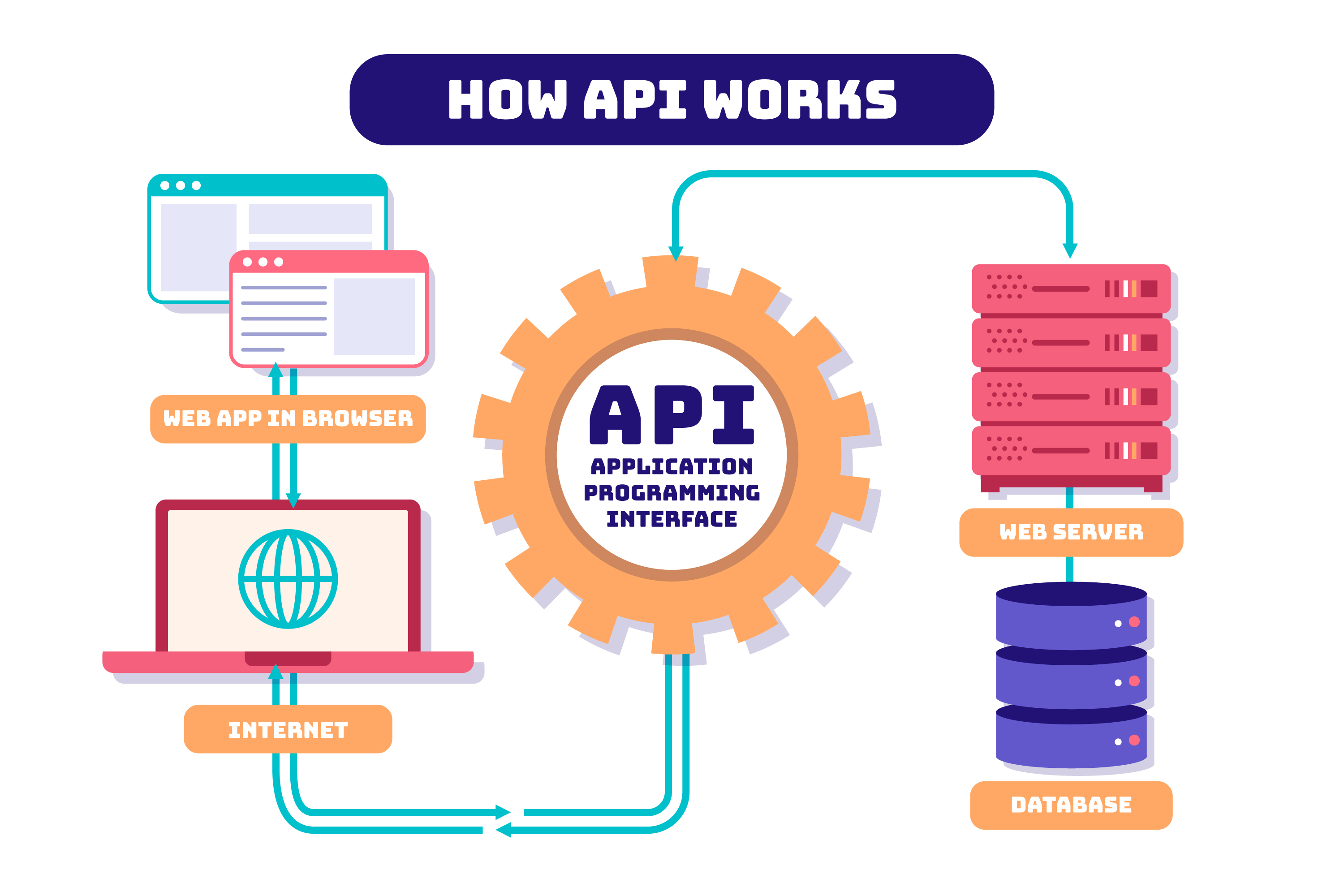

Key Benefits and How It Works
- Access & update presence: Ensure accurate availability across systems.
- Avoid overbooking: Prevent reps from receiving multiple tasks simultaneously.
- Cross-platform synchronization:Maintain consistent status updates across tools.
How It Works
Presence APIs provide methods to manage availability:
- Get presence: Retrieve a rep’s current status.
- Modify presence: Update a rep’s status.
- Subscribe to changes: Receive real-time updates when status changes.
Implementation Details
Prerequisites- Dynamics 365 Contact Center license.
- Omnichannel Agent or Supervisor role for reps.
- Third-party app (e.g., Teams) allowlisted in Dataverse.
- Middleware to pass messages between Dynamics apps and external systems.
- Service rep dictionary in middleware to map IDs across systems.
To track presence changes, configure a webhook for the msdyn_agentstatus entity:
- Create and register a webhook using the plug-in registration tool.
- Register a synchronous server-side step with parameters:
- Primary Entity: msdyn_agentstatus
- Execution Mode: Synchronous
- Deployment: Server
When a rep’s presence changes, the webhook sends a notification with updated info (e.g., msdyn_agentid and msdyn_currentpresenceid) to sync across systems.
Using APIs
To get or modify presence status:
- Generate tokens via certificate-based authentication using your app ID.
- Assign impersonation privileges to the application.
- Use APIs:
- CCaaS_GetPresence → Retrieve presence status.
- CCaaS_ModifyAgentPresence → Update presence status.
Driving Results with Bizalom Group
As a Microsoft focused digital transformation partner, Bizalom Group helps organizations implement, optimize, and scale Microsoft Dynamics 365. Our approach combines strategic advisory, industry aligned solutions, and ongoing optimization to deliver measurable business outcomes.
Contact Us